
VoltAssist is a simple Streamlit RAG-based Chatbot for supporting customer of e-commerce electronics stores. It can be an accelerator for a RAG-based chatbots, specifically for automating FAQs and question-answering.
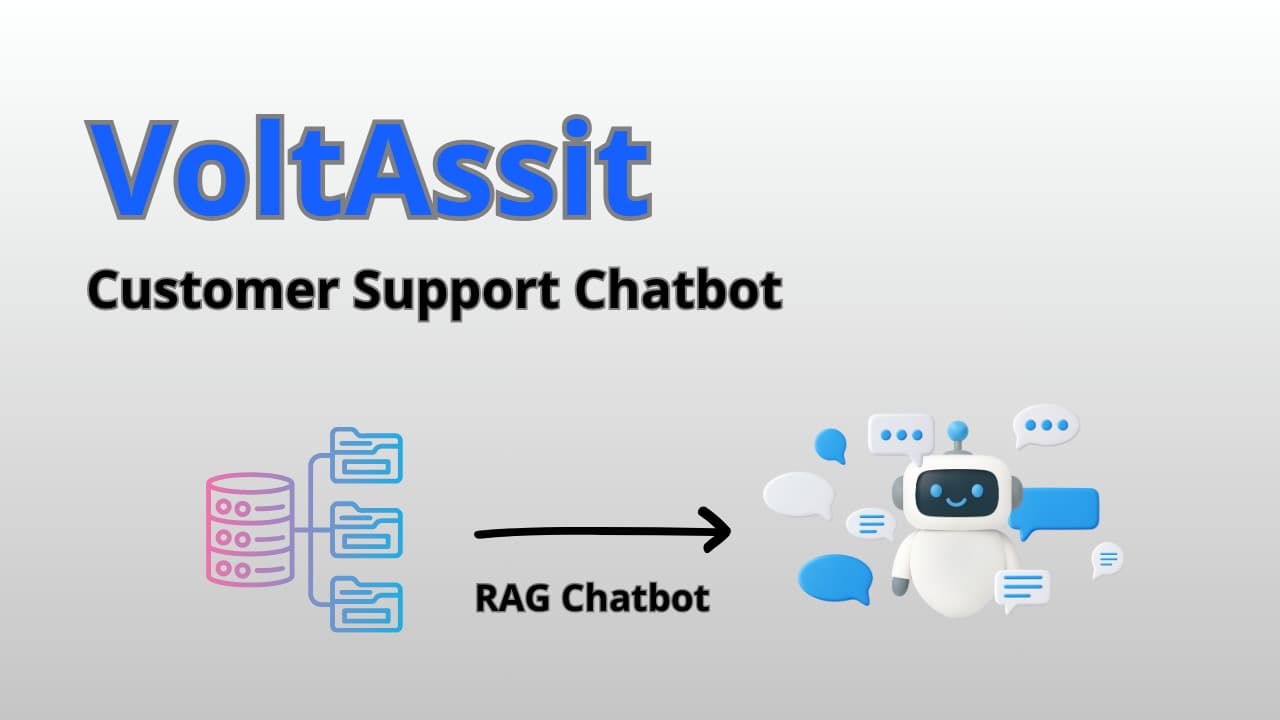
VoltAssist is a simple Streamlit RAG-based Chatbot for supporting customer of e-commerce electronics stores. It can be an accelerator for a RAG-based chatbots, specifically for automating FAQs and question-answering.
Supported topics include: Account & Profile, Billing & Tax, Warranty & Repairs, Product Information & Support, Returns & Exchanges, Promotions & Gift Cards, Ordering & Payment, Inventory & Availability, Customer Service & Contact, Shipping & Delivery.
UI: Streamlit
Retrieval: Qdrant (vector DB)
Embeddings: text-embedding-3-small (OpenAI)
LLM: OpenAI Chat Completions (configurable)
├── data/ │ ├── faqs.json # Sample synthetic FAQ dataset │ └── update_database.py # Script to create & populate the vector DB ├── src/ │ ├── app.py # Streamlit UI + chat loop │ ├── llm.py # OpenAIClient (prompt builder + responder) │ └── rag.py # Retriever functions (Qdrant search) ├── .env # Your Qdrant & OpenAI keys live here (not committed, see .env.example) ├── requirements.txt # Python dependencies └── README.mdgit clone https://github.com/your-org/VoltAssist.git cd VoltAssist python -m venv .venv source .venv\Scripts\activate (Windows) pip install -r requirements.txtCreate a .env file in the project root, (see .env.example):
Add the following keys (adjust names if your code uses different ones):
QDRANT_API_KEY=*** QDRANT_URL=https://*** OPENAI_API_KEY=sk-***💡 You can use Qdrant Cloud (free tier). The repo assumes a cloud URL + API key.
The script ingests data/faqs.json, embeds each Q/A, and upserts into Qdrant.
python data/update_database.py
You should see logs for collection creation (if not existing) and points upserted.
streamlit run src/app.py
Open the URL printed by Streamlit (usually http://localhost:8501) and start chatting.
User asks a question in Streamlit.
rag.py retrieves top_k similar Q/A snippets for the selected category from Qdrant using embeddings.
llm.py builds a grounded prompt (context + user question + language) and calls the LLM.
The answer is returned to the UI with source snippets for transparency.
data/update_database.py
Creates the Qdrant collection (if absent).
Reads data/faqs.json.
Generates embeddings with OpenAI.
Upserts vectors + payloads into Qdrant.
src/rag.py
retriever(user_input, category, top_k=3): searches Qdrant and returns the most relevant snippets.
src/llm.py
OpenAIClient:
class OpenAIClient: def __init__(self, openai_api_key, department, level): self.client = OpenAI(api_key=openai_api_key) self.language = languages self.category = category def build_prompt(self, user_query): """Return messages for ChatCompletion.create().""" def generate_response(self, messages: list[dict]) -> str: """Call OpenAI and return the assistant’s answer."""src/app.py
Streamlit chat UI + session state, calling retriever() and OpenAIClient.
data/faqs.json contains a synthetic, e-commerce-oriented FAQ corpus.
Replace or extend with your own product manuals, returns policy, shipping rules, etc.
Creating a Qdrant Cloud cluster is straightforward: sign up, create a free cluster, and obtain an API key.

PRs welcome! Please open an issue first for feature requests or bug reports.